 UI eXtension Guides
Using UIX Forge event spark to change a camera view
UIX Forge allows you to forge an element and apply various features with forge sparks. This guide uses UIX Forge to forge a picture view element which can be changed from section header badge buttons using the event spark.
Forge elements
All UIX Forge documentation will describe the card, row, badge, section, picture-element as element as indeed, a forged element is not restricted to being a card, but can be any type supported by UIX Forge mold type
Template entities in picture-entity cards
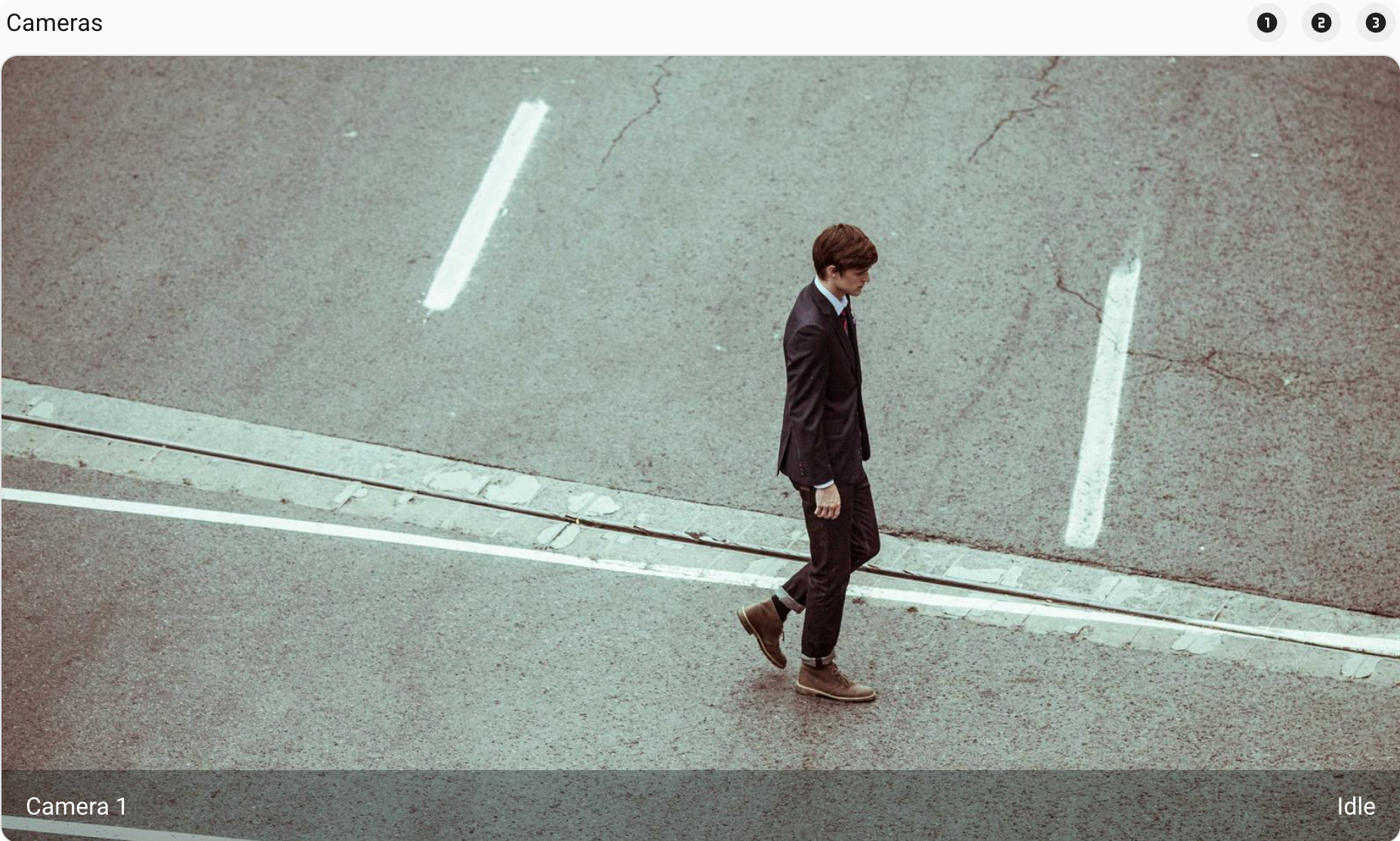
With UIX Forge, all forged element configs accept templates. This includes using a template for the element’s entity. To show this in the most basic form, we can include a simple string template for the entity and camera_image in a picture-entity card.
type: custom:uix-forge
forge:
  mold: card
  grid_options:
    columns: full
  sparks:
    - type: event
      forge_id: picture_camera
element:
  show_state: true
  show_name: true
  camera_view: auto
  fit_mode: cover
  type: picture-entity
  entity: "{{ 'camera.camera_1' }}"
  camera_image: "{{ 'camera.camera_1' }}"
picture-entity - Camera 1
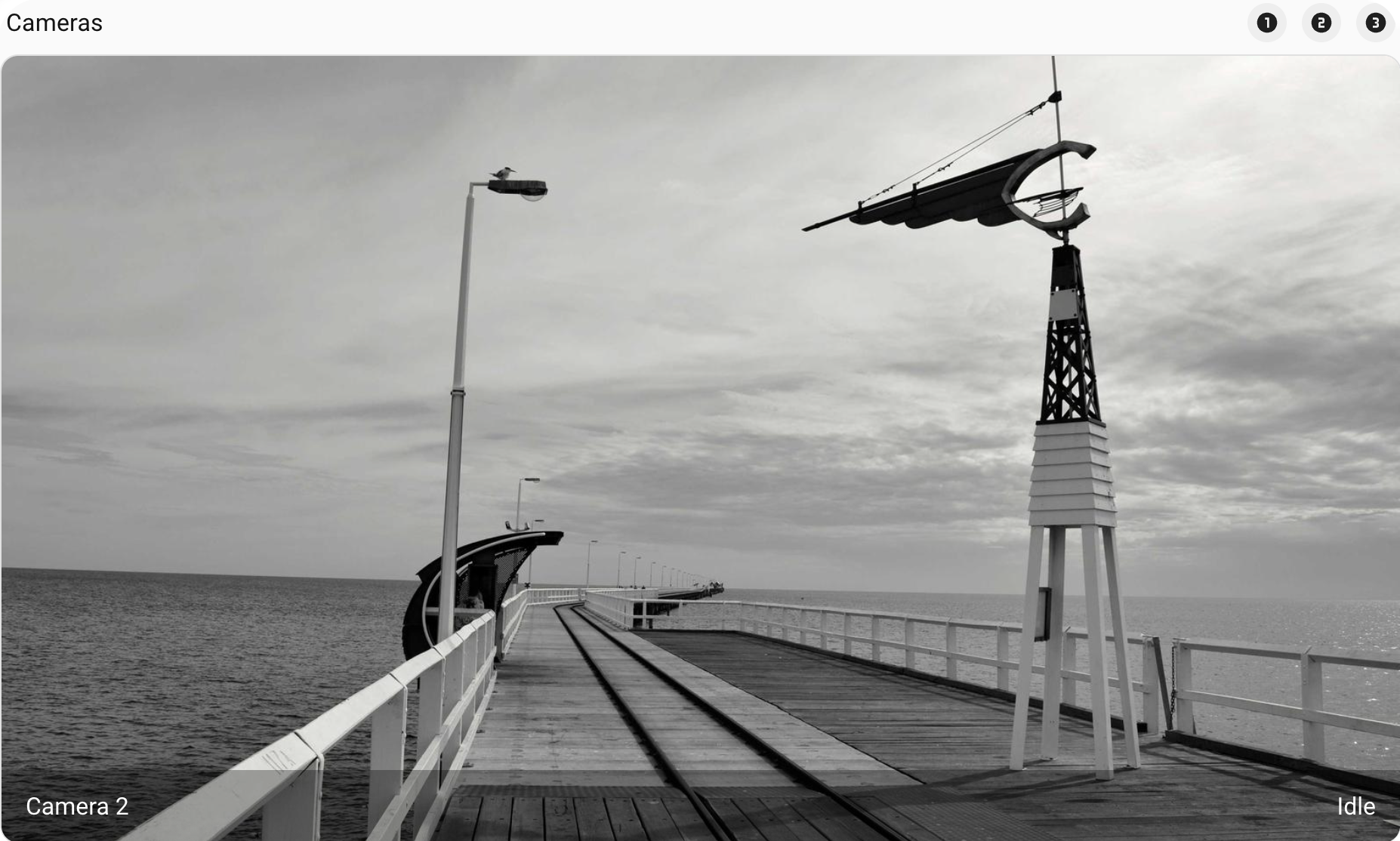
Now change to another camera by adjusting the string template. This is to show how we will build up to using the event spark to change this using an event.
type: custom:uix-forge
forge:
  mold: card
  grid_options:
    columns: full
  sparks:
    - type: event
      forge_id: picture_camera
element:
  show_state: true
  show_name: true
  camera_view: auto
  fit_mode: cover
  type: picture-entity
  entity: "{{ 'camera.camera_2' }}"
  camera_image: "{{ 'camera.camera_2' }}"
picture-entity - Camera 2
Add event spark
The event spark config includes a forge_id. This allows the event spark to receive event data sent by Home Assistant Frontend events using fire-dom-event.
After adding an event spark, the forged element’s uixForge variable will include an event dictionary which will include the event data sent by a Home Assistant Frontend event. By default the event dictionary will be empty so any templates will need to handle this with either default() handling or using similar logic to handle data not being in the dictionary on first view.
For the picture-element the following is updated to implement the event spark:
- Add event spark with
forge_id: picture_camera. - Add templates with defaults for
entityandcamera_image.
type: custom:uix-forge
forge:
  mold: card
  grid_options:
    columns: full
  sparks:
    - type: event # event spark
      forge_id: picture_camera
element:
  show_state: true
  show_name: true
  camera_view: auto
  fit_mode: cover
  type: picture-entity
  # entity and camera_image use template with default to camera.camera_1
  entity: "{{ uixForge.event.entity | default('camera.camera_1') }}"
  camera_image: "{{ uixForge.event.entity | default('camera.camera_1') }}"
Add button badges
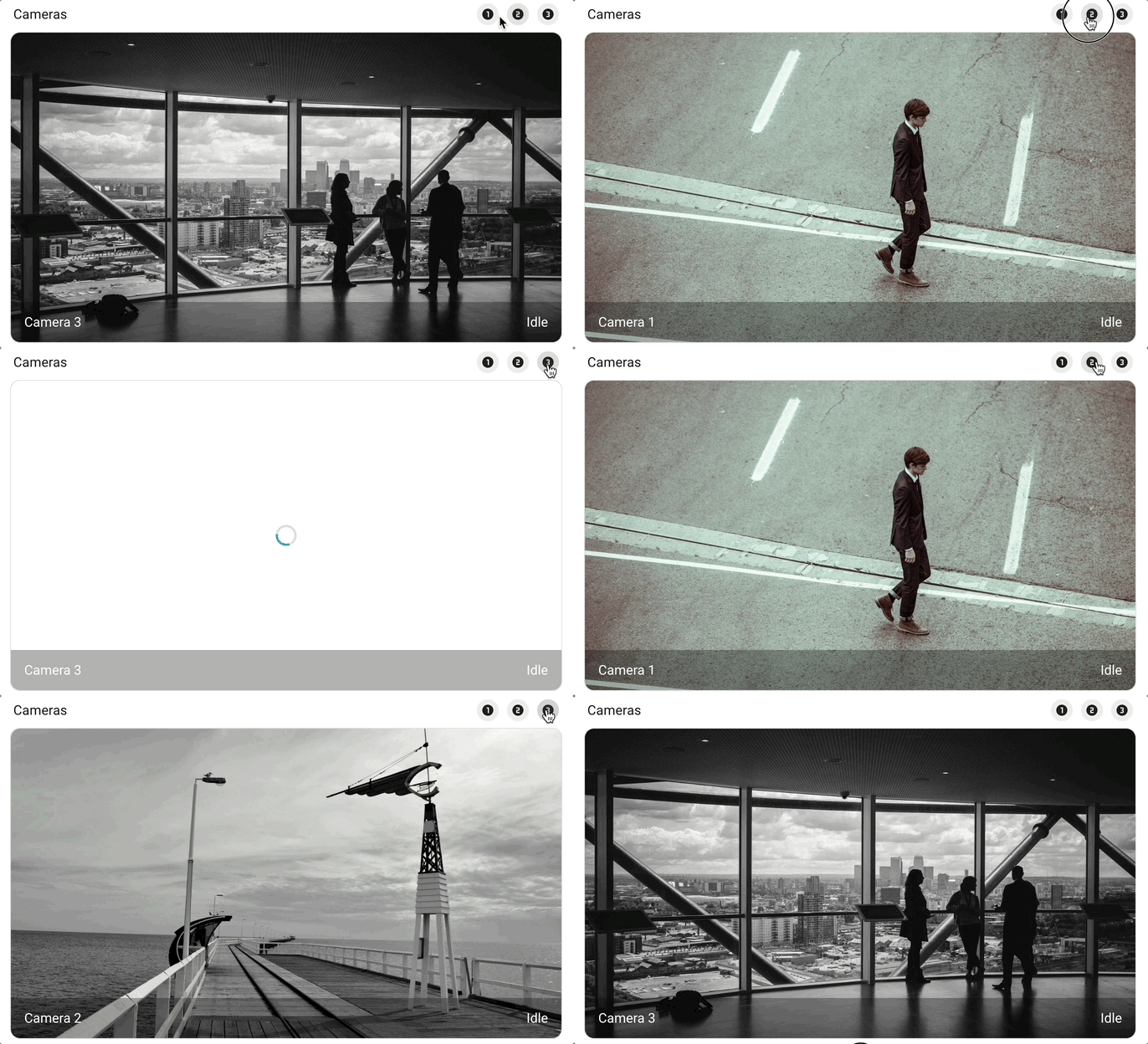
Now the picture-entity is ready to update its entity and camera_image from Home Assistant Frontend event using action: fire-dom-event from any Home Assistant element or any custom element that supports fire-dom-event actions which is the majority of custom elements.
For the picture-entity example, we add some button badges to a heading card inserted before the picture-element. We use three badges with different icons, and different data for our forge_id in the uix_forge config for fire-dom-event action. Once this done, the button badges can be used to control the camera entity and image.
type: heading
heading: Cameras
heading_style: title
badges:
  - type: button
    icon: mdi:numeric-1-circle
    tap_action:
      action: fire-dom-event
      uix_forge:
        - forge_id: picture_camera
          data:
            entity: camera.camera_1
  - type: button
    icon: mdi:numeric-2-circle
    tap_action:
      action: fire-dom-event
      uix_forge:
        - forge_id: picture_camera
          data:
            entity: camera.camera_2
  - type: button
    icon: mdi:numeric-3-circle
    tap_action:
      action: fire-dom-event
      uix_forge:
        - forge_id: picture_camera
          data:
            entity: camera.camera_3
picture-entity - dynamic camera views
Update to use a macro
As the same template is used for entity and camera_image a macro can be used to save having the default in multiple places. While this actually extends the number of lines of yaml config, it moves the default cameras image to one place in the config.
Macros and variables
Jinja macros are isolated from the where they are used so any variables you wish to use need to be a param of the macro
The macro added uses a param of uixForge which will be passed through from the updated template used for entity and camera_image.
type: custom:uix-forge
forge:
  mold: card
  macros:
    camera_entity:
      params:
        - uixForge
      template: "{{ uixForge.event.entity | default('camera.camera_1') }}"
  grid_options:
    columns: full
  sparks:
    - type: event
      forge_id: picture_camera
element:
  show_state: true
  show_name: true
  camera_view: auto
  fit_mode: cover
  type: picture-entity
  entity: "{{ camera_entity(uixForge) }}"
  camera_image: "{{ camera_entity(uixForge) }}"