 UI eXtension Guides
Styling Home Assistant 2026.3 energy now badges
Home Assistant 2026.3 introduces 3 new energy badge types used in the built-in energy dashboard. These are power-total, gas-total and water-total. To style these on the built-in energy dashboard you need to use a UIX theme.
Home Assistant badges use ha-badge in shadow root. ha-badge uses many styling vars so most styling can be done on :host. See .badge styles in Frontend GitHub. The energy badges use ha-svg-icon directly as a slotted element so this is also easy to style with UIX (5.1.0+).
UIX class selection in themes
When using UIX themes on an element like a badge, your CSS can easily target the element itself by class, e.g. :host(.type-power-total). However, if you need to go into the shadow root with a YAML selector, specific targeting will be difficult without a template. To use a template to help with targeting your CSS rules, use the config variable and check config.type, e.g. power-total. Look out for a future post showing this concept for templates.
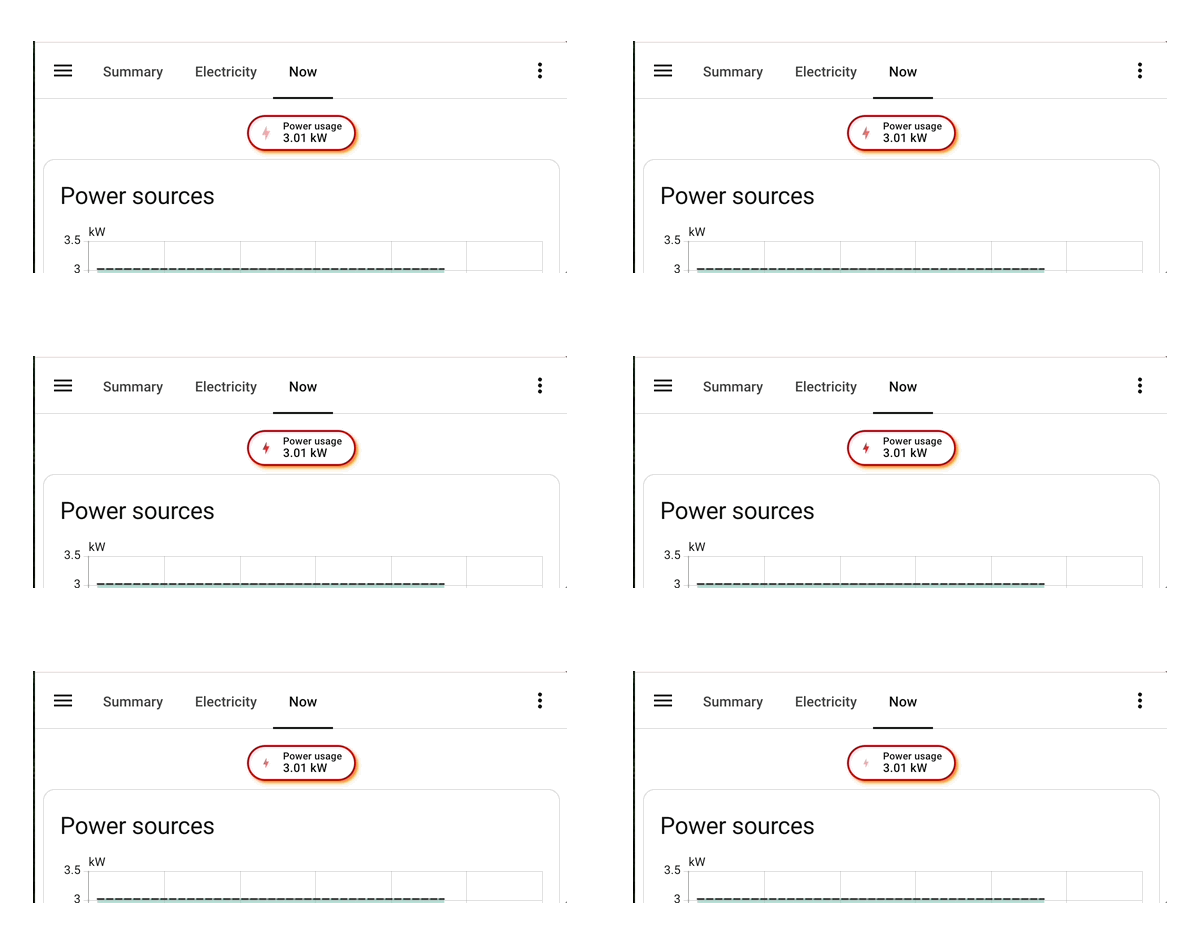
The theme example below uses .badge CSS vars to change the border width, color and badge box-shadow. The icon color is changed to red and is given a pulse animation.
Badge Theme:
  uix-theme: Badge Theme
  uix-badge: |
      :host(.type-power-total) {
        --ha-card-border-width: 2px;
        --ha-card-border-color: red;
        --ha-card-box-shadow: 2px 2px 2px orange;
      }
      ha-svg-icon {
        color: red;
        animation: 1.5s pulse infinite linear;
        --uix-icon: mdi:lightning-bolt;
      }
      @keyframes pulse {
        0% {
            opacity: 0;
            transform: scale(0.5);
        }
        50% {
            opacity: 1;
        }
        100% {
            opacity: 0;
        }
      }
Styled output